◻ Roblox Shirt Template Transparent — What It Is & How To Use
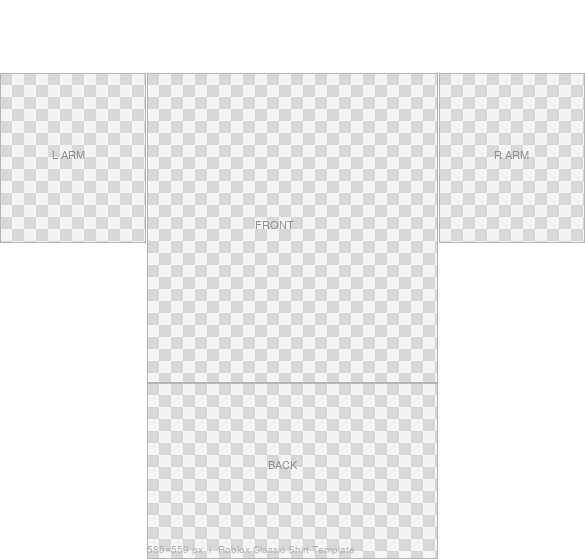
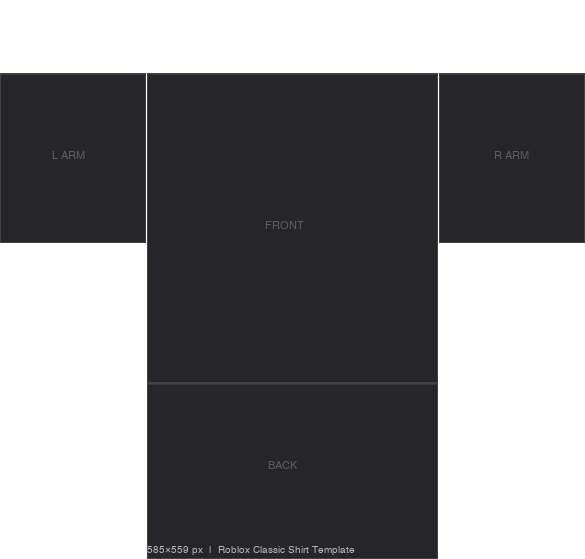
A transparent Roblox shirt template is a 585×559 px PNG with a fully clear background — no white, no grid, just pure alpha. It gives you maximum design freedom: transparent areas show your avatar's skin tone in-game, so you can create sheer fabrics, tank tops, or sleeveless looks.
Best for
Sheer / sleeveless designs, skin-tone effects
Background
Fully transparent (alpha channel)
Editors
Photoshop, GIMP, Procreate, Pixlr
Export setting
PNG with transparency preserved
⚠ When exporting: make sure background color is set to transparent, not white. In Photoshop: File → Export → Export As → PNG → uncheck matte. In GIMP: File → Export As → PNG → keep alpha channel.
FAQ — Roblox shirt template
What is the Roblox shirt template size?+
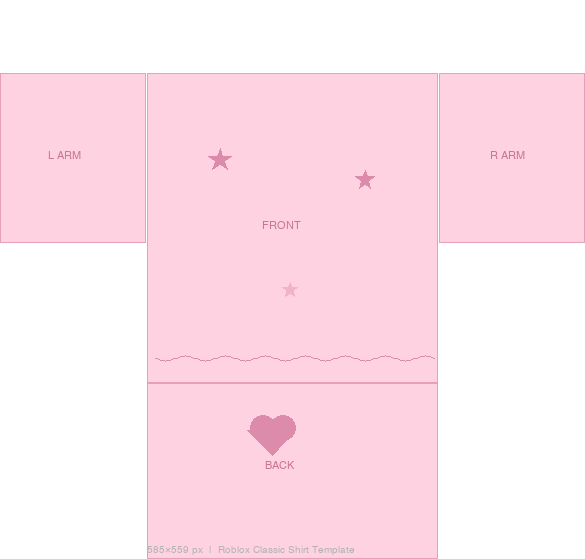
585×559 pixels — the official Roblox classic clothing size. Upload a PNG at exactly this size for best results.
What is a transparent Roblox shirt template?+
A fully transparent PNG at 585×559 px. Use it as a blank canvas for complete design freedom. Transparent areas show your avatar's skin color in-game.
Can I make a Roblox shirt on mobile with the template?+
Yes. Download the template on your phone, open it in Procreate (iPad) or Pixlr (Android/iPhone), design it, and upload via roblox.com/create in your mobile browser.
Do I need Robux to upload a Roblox shirt?+
No. Classic clothing uploads are free for all Roblox users. Robux is only needed if you want to sell the shirt in the marketplace.
What is the difference between blank and transparent templates?+
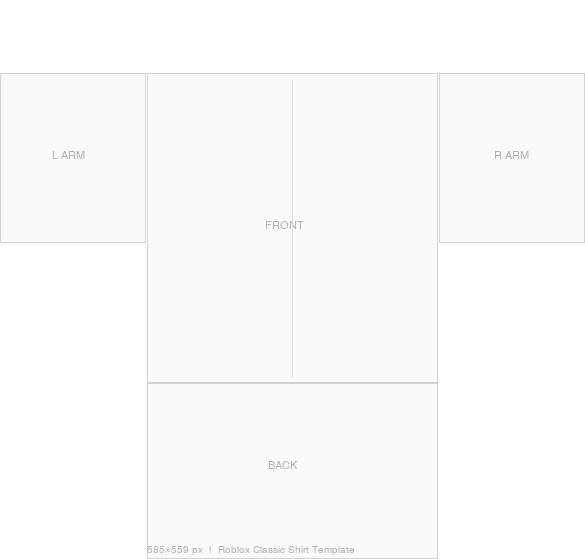
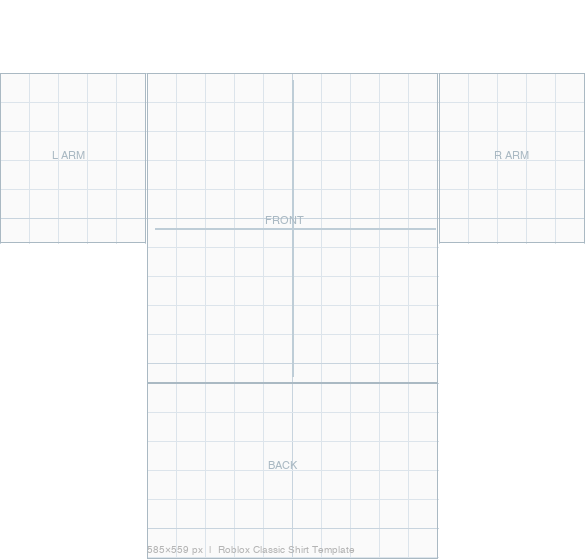
Blank has a white background with visible panel guides — good for first-time designers. Transparent has no background at all — better for advanced designs where you control every pixel.
What is a Roblox shirt shading template?+
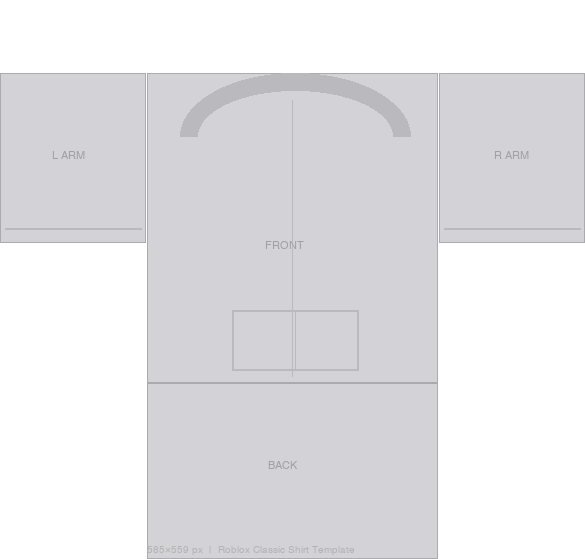
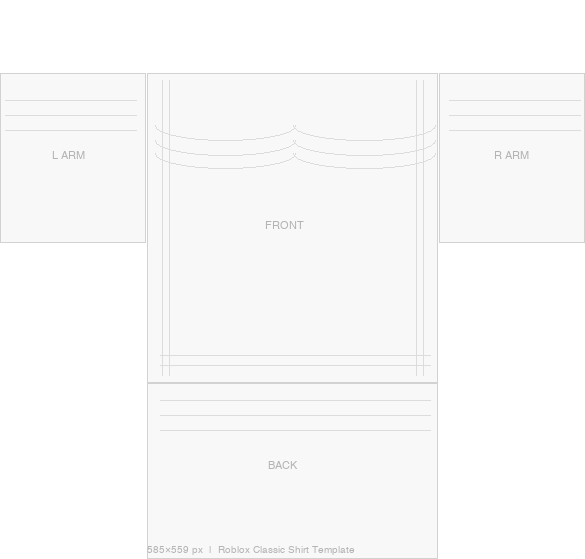
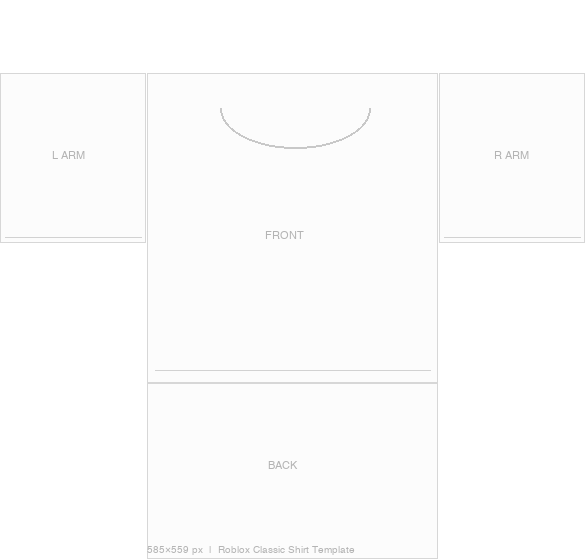
A template with pre-drawn shading lines showing fabric creases and folds. Use it as a base layer in Photoshop/GIMP to add realistic depth to your shirt design.
What is a roblox clothing template?+
A roblox clothing template is the same 585×559 px PNG used for shirts and pants. Roblox uses one universal size for all classic clothing. Download blank or transparent above.
Can I download a roblox shirt template for free?+
Yes — all 8 templates on this page are 100% free, no sign-up required. Click ⬇ Download PNG to save any template directly.
Which app is best for designing Roblox shirts?+
Photoshop (desktop, paid), GIMP (free desktop), Procreate (iPad, $12.99), Pixlr (free mobile/browser), or Canva (browser). Open the transparent PNG and design on a new layer.