Most Downloaded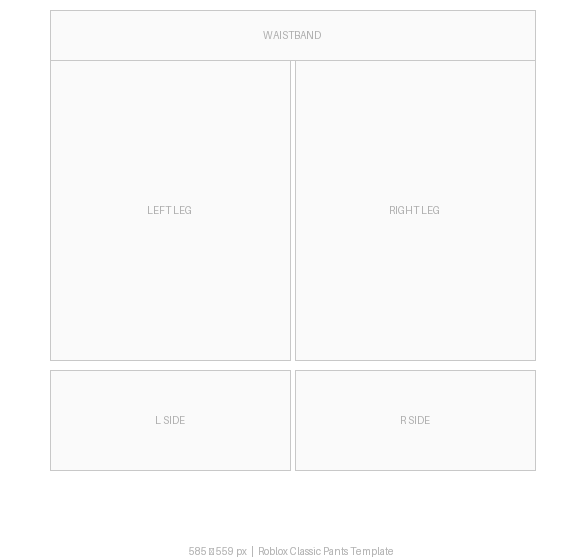
Blank Classic Pants
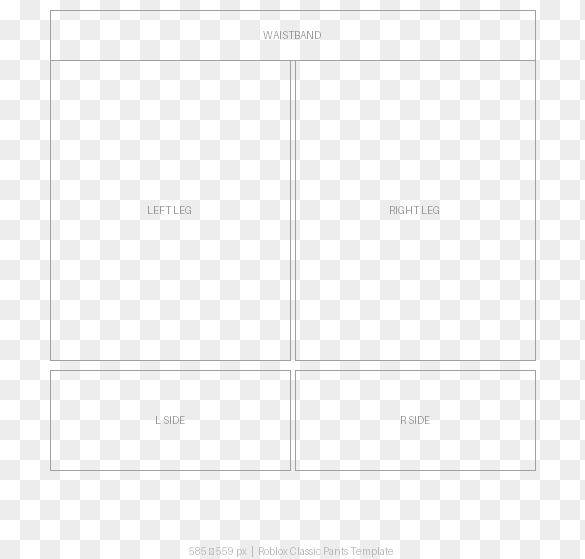
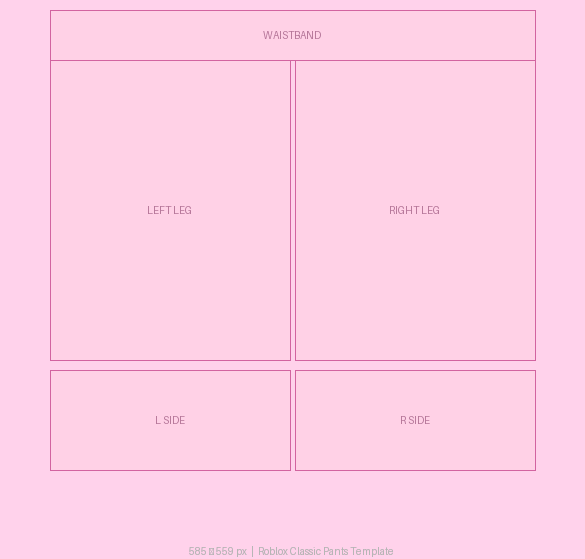
Clean white template with waistband + leg panel guides
⬇ Download PNG585×559 px PNG — blank, transparent, jeans, shading, Y2K, shorts and more. Download and design in any image editor. No sign-up needed.
Pants vs Shorts: Both use the same 585×559 template. For shorts, fill only the top portion of each leg panel and leave the rest transparent.
Roblox doesn't have a separate "shorts" clothing type. To make shorts in Roblox, use the standard pants template (585×559 px) and design only the upper portion of the leg panels. Leave the lower leg area transparent — it will show your avatar's skin.
Download the Blank Shorts template above
Fill only the top 40–50% of each leg panel with your design
Set the bottom of the legs to transparent (0% opacity)
Upload as a "Pants" item — it looks like shorts in-game
585×559 pixels — the official Roblox classic clothing size, same as shirts.
Yes — use the shorts template above. Roblox uses a single "Pants" clothing type. For shorts, design only the top portion of each leg panel and leave the bottom transparent.
A fully transparent 585×559 PNG with no background or guides. Use it for maximum design freedom — you can see the waistband and leg shapes through the transparent areas when worn.
A template with pre-drawn shading and crease lines on the leg panels. Use it as a base layer in Photoshop or GIMP to add realistic depth to your pants design.
Yes. Download the template on your phone, open it in Procreate (iPad) or Pixlr (Android/iPhone), design it, and upload via roblox.com/create in your mobile browser.
Yes — both use 585×559 px PNG. The layout is different: pants have waistband + two leg panels instead of a torso/sleeve layout.
A 585×559 px PNG file you download, design in an image editor, and upload to roblox.com/create. It includes the waistband and two leg panel outlines. All templates above are free.
Yes — use the Y2K Pants Base template above. Design the top 40–50% of each leg panel in a pink or pastel Y2K style, leave the lower legs transparent, and upload as Pants.